
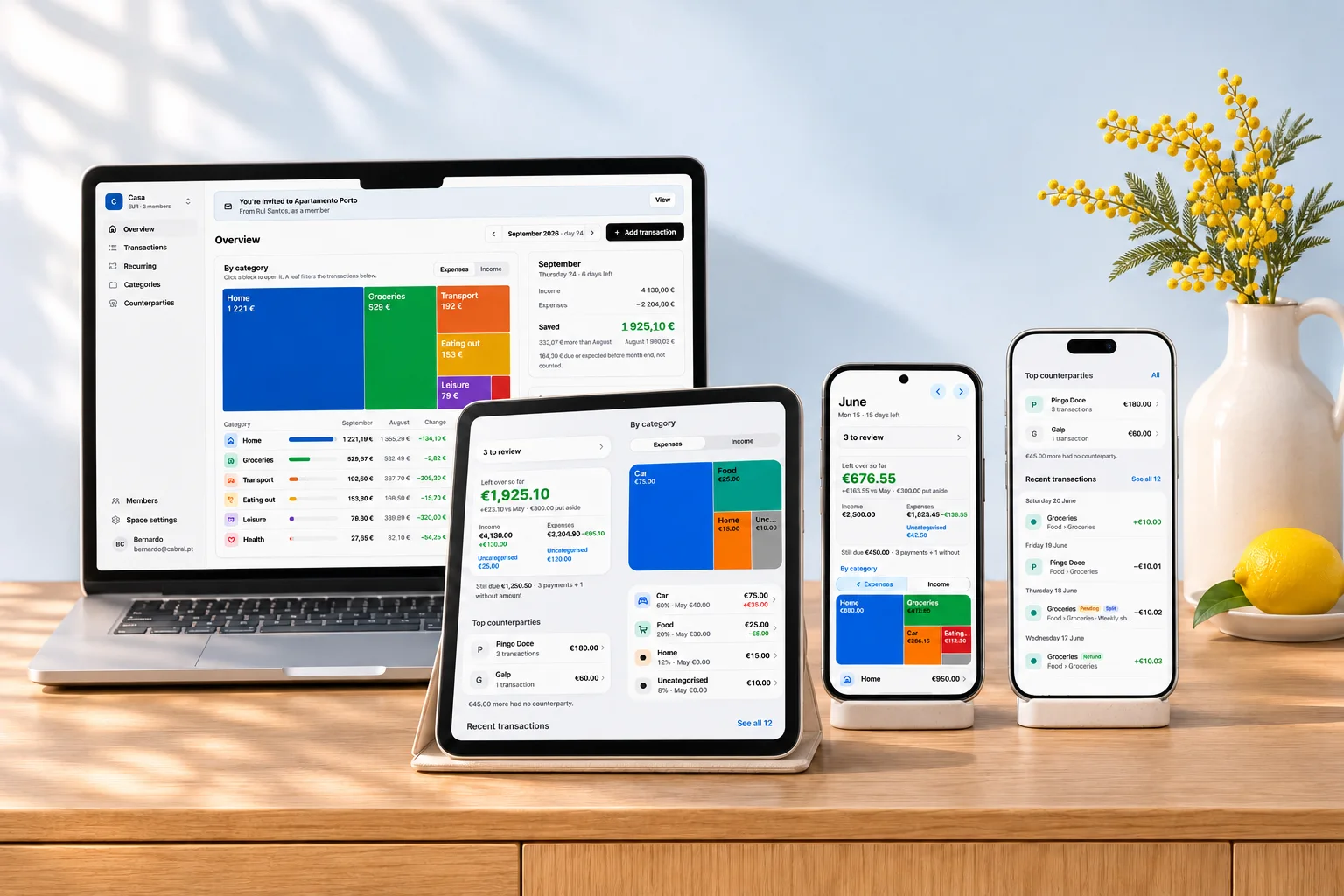

Web browser
Available nowOn any computer, phone or tablet.
- A recent Chrome, Safari, Firefox or Edge
- Nothing to install
Open in your browser
my.moneyoz.app
Web, iPhone, iPad and Android
Open it in your browser on any computer, phone or tablet, and keep it on your home screen like an app.
Free for households · iPhone, iPad and Android apps coming soon
Choose your device
Sign in with the same email on each device, and your spaces are already there.
On any computer, phone or tablet.
my.moneyoz.app

Native app, with passkey sign-in.
Until then, use the web app · get notified
Native Material app, with bill reminders.
Until then, use the web app · get notified
No need to wait
The web app goes on your home screen and opens like any other app.
Scan to open on your phone
Point your phone's camera at the code.
my.moneyoz.app
See everything MoneyOz does: shared spaces and roles, bills that repeat, the month at a glance and bank sync.